

Premium. Awzany AI, all of it.
Premium unlocks Awzany AI: Wazangy, the chat that knows your training, plus workout briefs and recaps, the AI weekly report and meal photo macros. Get it here with a link we email to your account, or in the app.
- 01Monthly or yearly
- Pick either before you pay, and cancel any time from your billing page.
- 02Your currency
- The link we email shows the prices in your account’s currency before you pay.
- 03One account
- Bought here or in the app, Premium works wherever you sign in to Awzany.
01On the web
Get Premium on the web
Type the email of your Awzany account. There is no password here: the link we send proves it is you.
02What Premium unlocks
Wazangy, and everything around it.
Every Awzany AI feature, for trainees and for coaches, on every phone you sign in on. Off until you turn it on, with a switch for each one.
Every AI feature, explained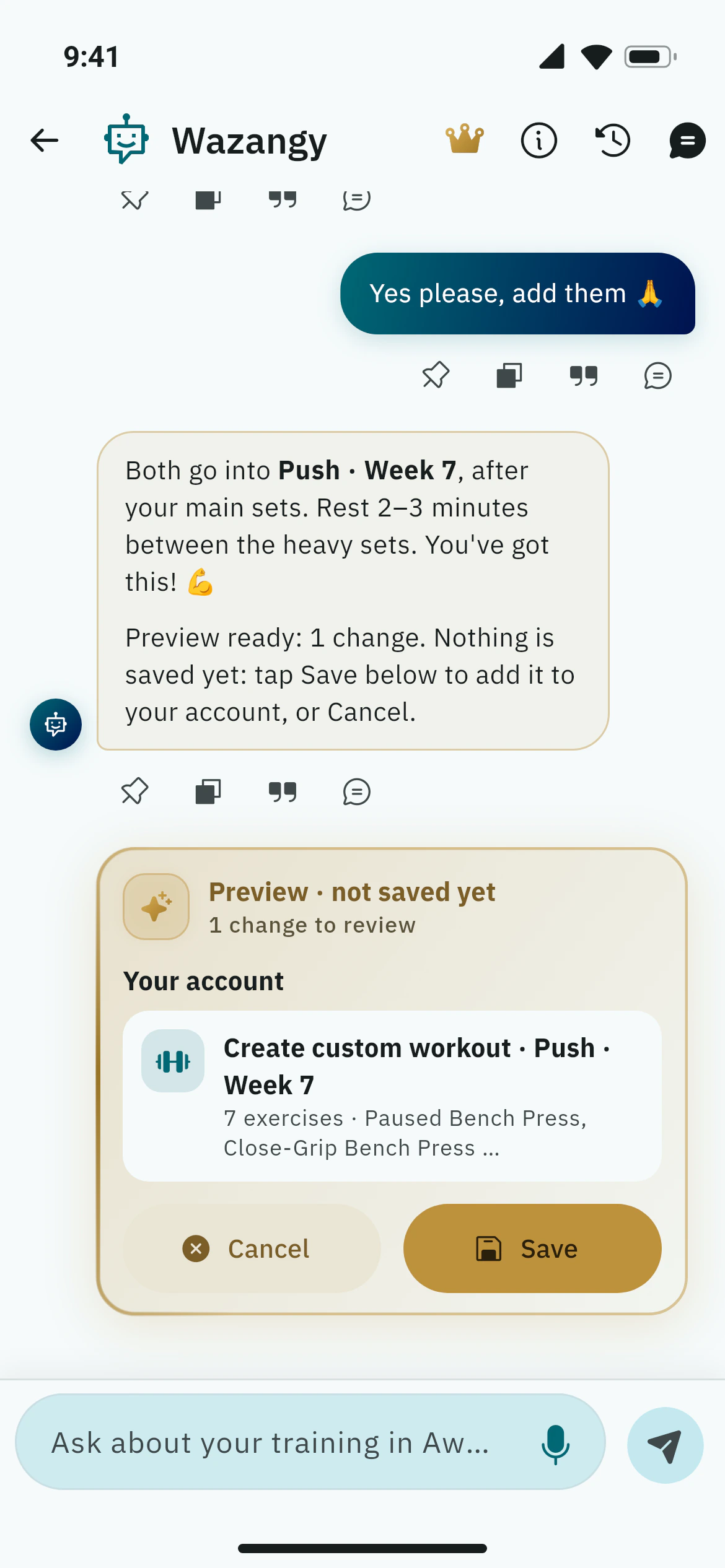
- 01
Chat with Wazangy
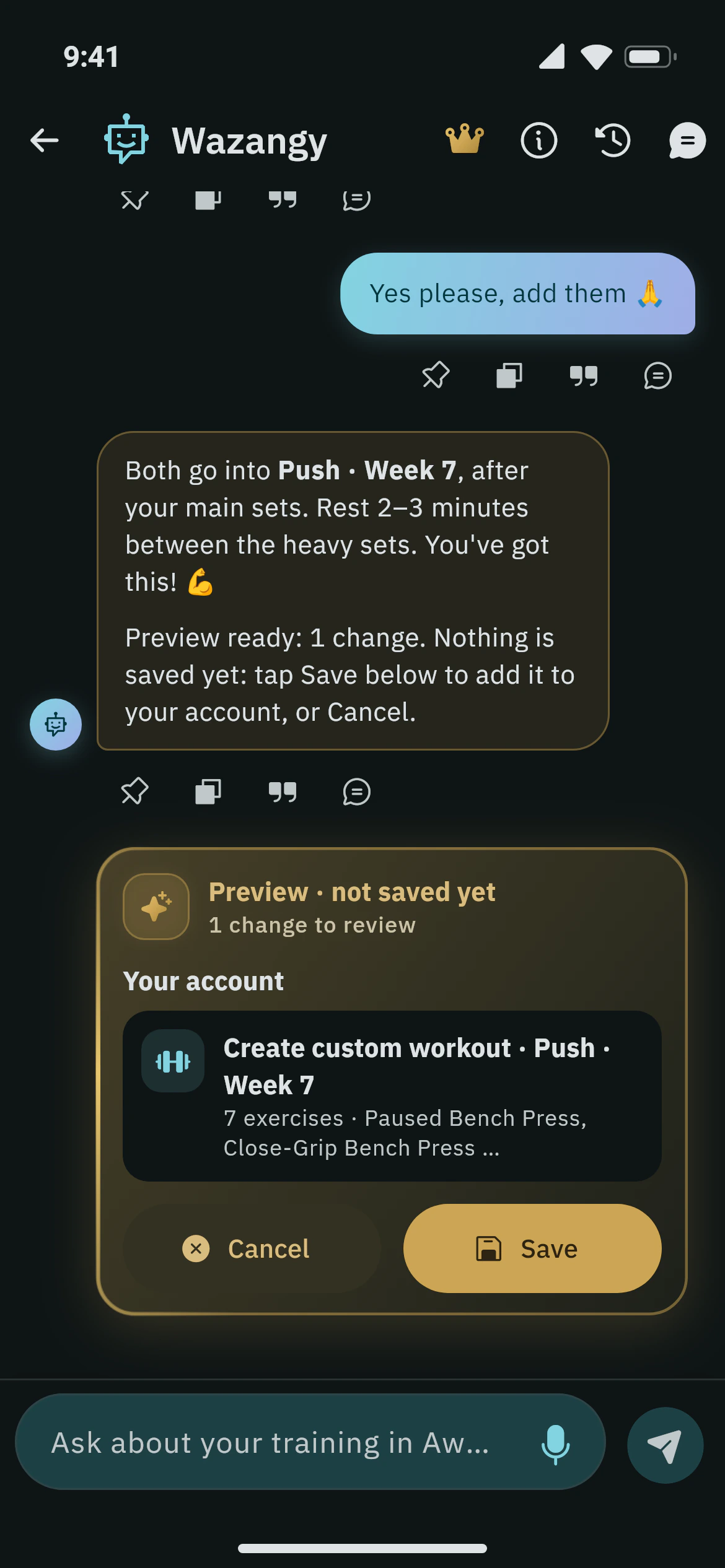
Ask about training, food or your plan. Wazangy answers from your own workouts, goals and health profile, and prepares what it suggests (meals, goals, workouts, targets) as a preview you save with one tap.
- 02
Brief, hints and recap
A short brief before you start with the focus and a target for each lift, quiet hints between sets, and a recap of the session when you finish.
- 03
Plateau advice per lift
When a lift stops moving, get progress tips for that exercise, written from your own recent sets: what to change and what to try next.
- 04
Workouts and programmes on request
Suggested exercises, a single workout or a four-week programme that fits your equipment, session length and split.
- 05
The AI weekly report
Your week explained in plain words: what went well, where to back off and what to try next, from your sessions, records, goals and food.
- 06
Meal photos, plans and insights
Photograph a plate for estimated calories and macros you confirm before saving, get meal plans for several days, and a note on how today is going.
- 07
Progress photo notes
Tap Analyze on a progress photo for notes on what has changed. Photos stay private, and a photo is only analysed when you ask.
- 08
InBody scan and plan
Photograph your InBody result sheet and Awzany AI reads the numbers for you to check before saving. Each scan joins your body composition history, and Awzany AI turns it into a plan: daily calories and macros, a water target, strength workouts and cardio a week, and lifestyle tips.
- 09
Ramadan and fasting aware
Advice that follows your eating window: when to train, what to eat at iftar and suhoor, and how much to drink before the fast starts.
- 10
Log a workout by typing it
Type or paste a session the way you would write it in your notes, such as “Bench 60kg 3x8, Squat 100kg 5x5”, and the sets fill themselves in.
For coaches
AI tools for coaches
A weekly check-in for each trainee, a summary of their intake answers, your plan templates fitted to them, reply suggestions in the chat and risk flags. Everything is a draft you edit before it reaches them.
03How buying on the web works
Your price, in your currency.
No account to create and no password to remember. A one-time link ties the purchase to your Awzany account.
01
Ask for a link
Type the email of your Awzany account above. The link we send works once, for 30 minutes.
02
See your plans
The link shows monthly and yearly in your account’s currency, with any free trial, before you pay anything.
03
Pay on Stripe
A secure Stripe checkout takes the card; Awzany never sees its number. Premium switches on in the app as soon as the payment is confirmed.
04Two ways to pay
In the app, or here.
The same Premium on the same account, whichever way you buy it. Each subscription is managed where you bought it.
In the app
App Store or Google Play
Subscribe in Awzany on your phone. Your store bills it, shows your local price and manages it: change or cancel in its subscription settings.
Get the appOn the web
Card, through Stripe
Subscribe here with a link we email you. Change your card, download invoices or cancel from your billing page, any time.
Get Premium on the webManage your web subscription
We email a link to your billing page: card, invoices and cancelling. Premium stays until the end of the period you paid for.
Free stays free: logging, the exercise library, goals, reports, the community and coaching never move behind Premium.
Premium and Awzany AI questions