

Get found. Get booked. Get paid.
Coach on Awzany: a public page, verified badges, bookings with negotiation, escrow-protected payouts, chat and tools for every trainee, in one app.
01What you get
Built for coaches who take coaching seriously.
Less admin, safer money and a page that sells for you.
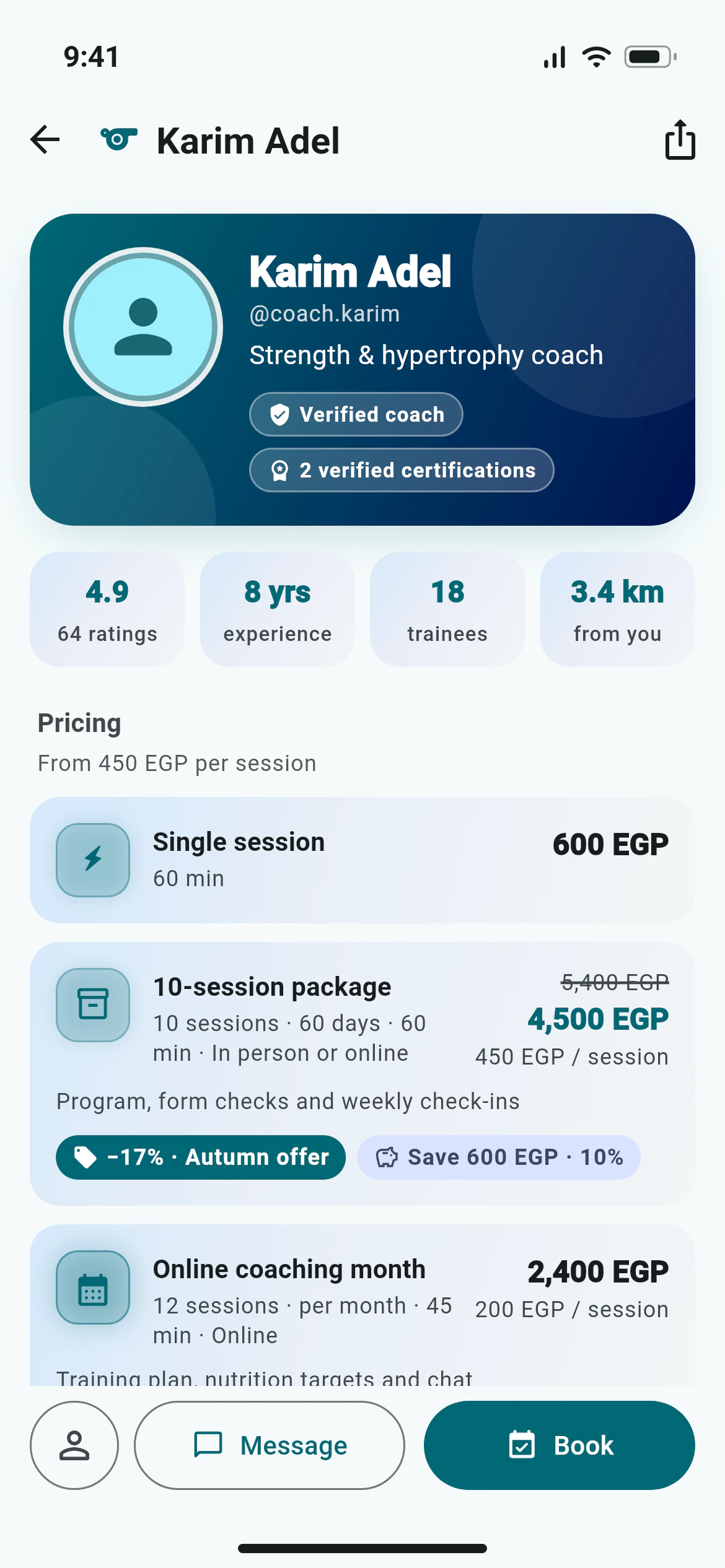
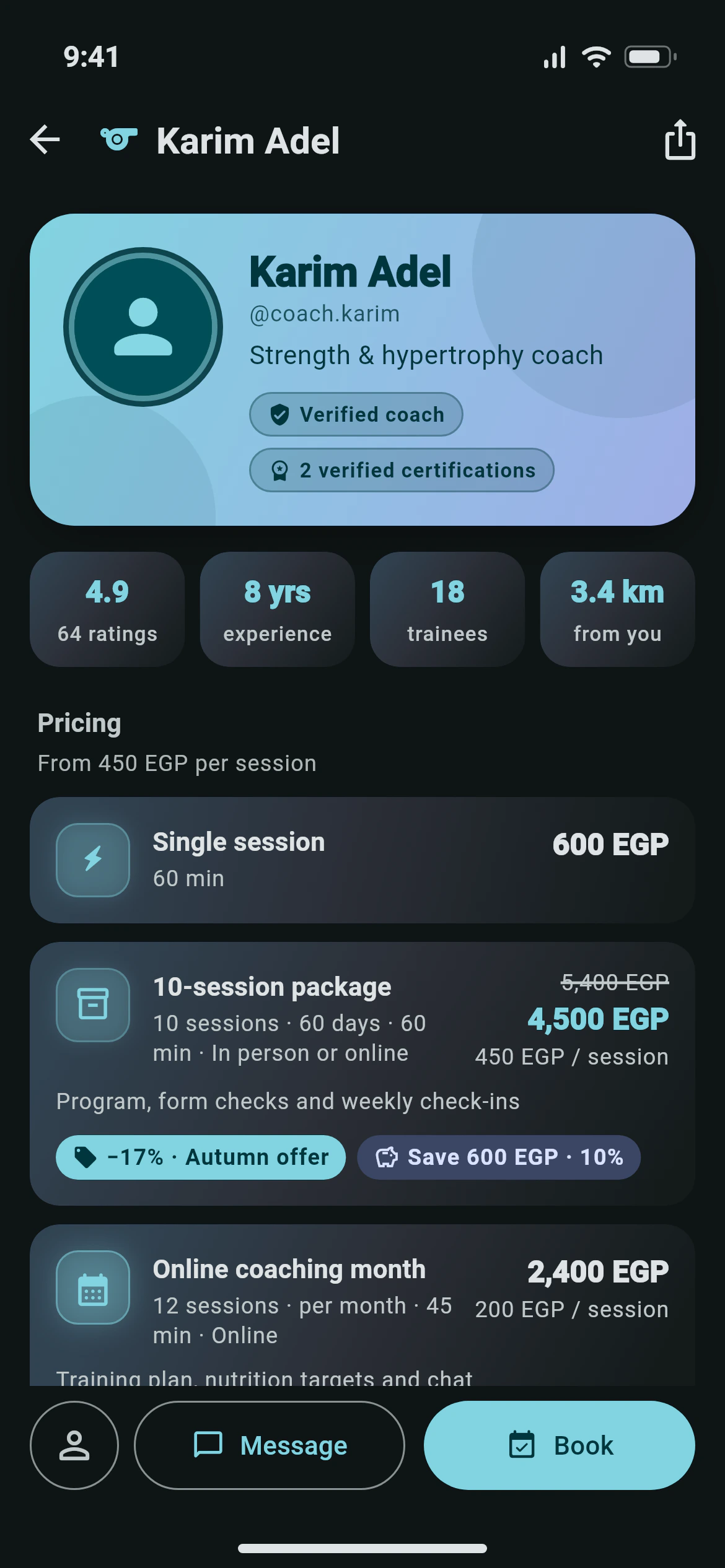
A public page people can find
Your headline, bio, specialties, locations, weekly hours, gallery and certificates, listed in Find a coach.
Verified badges
Get the Verified coach badge with your National ID and show approved certifications. Your ID stays private.
Bookings you can negotiate
Accept, decline or counter on price, sessions, validity and times. Your free-cancellation window, your rules.
Payouts protected by escrow
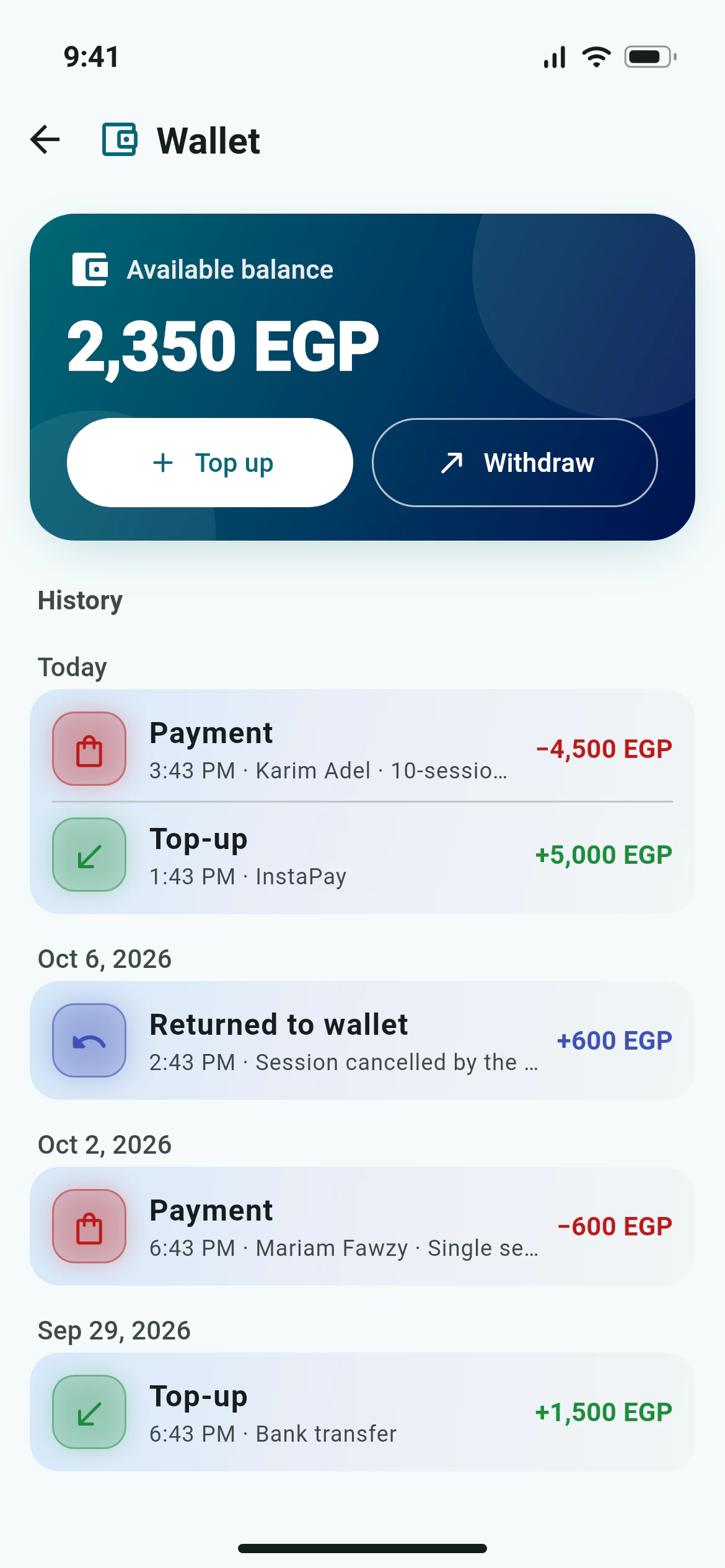
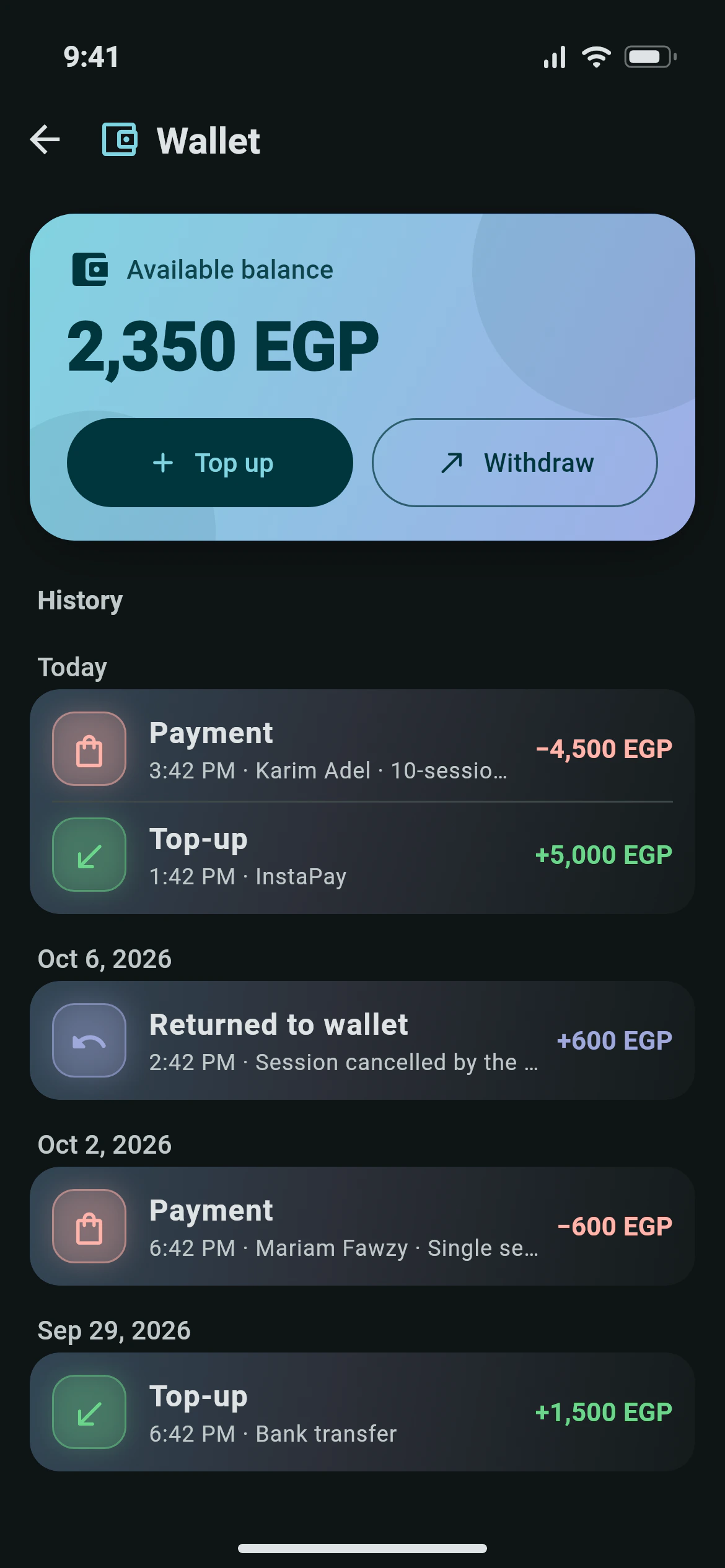
Trainees pay up front into escrow. Each completed session moves to your wallet; withdraw to InstaPay or your bank.
Chat built in
Message trainees with photos, workout and booking cards and reactions, without sharing your number.
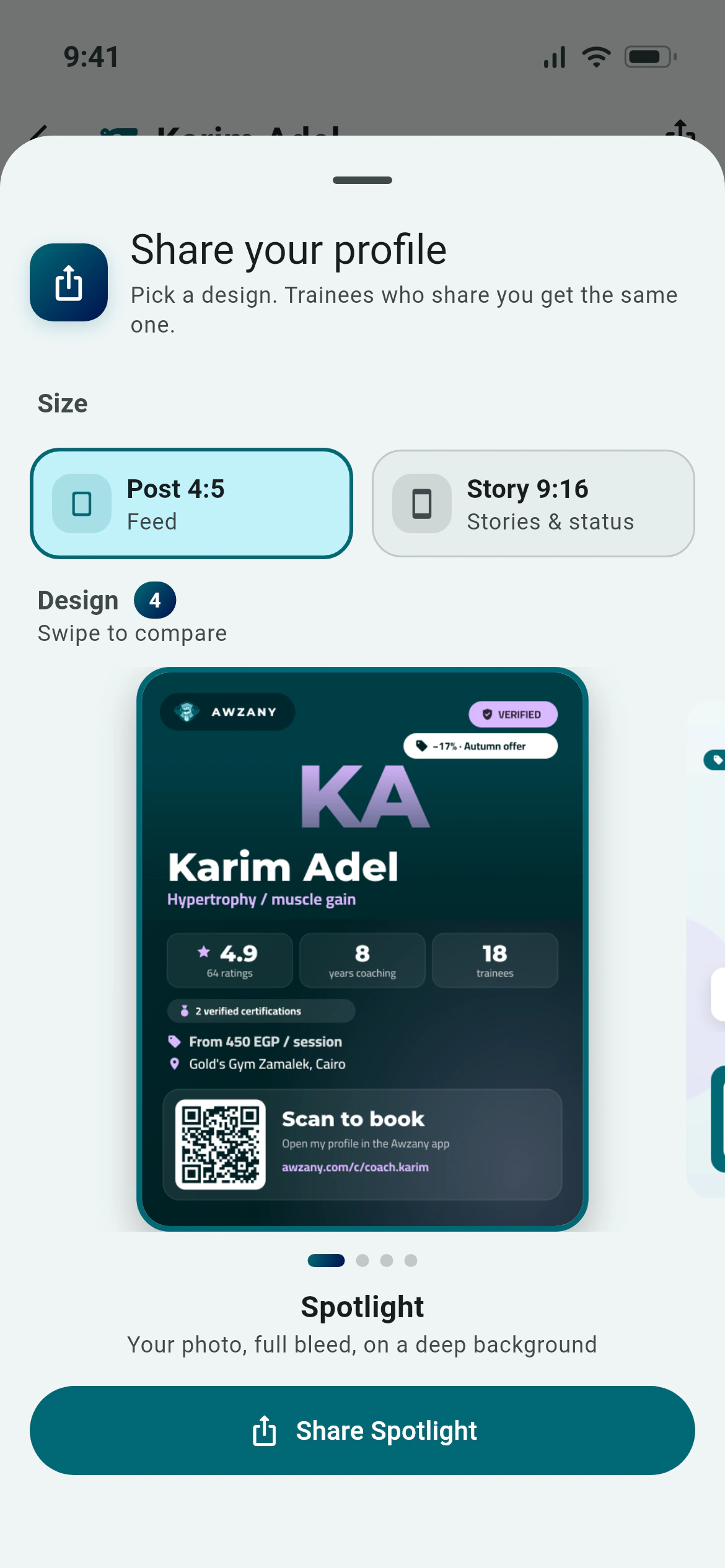
Share cards with a QR code
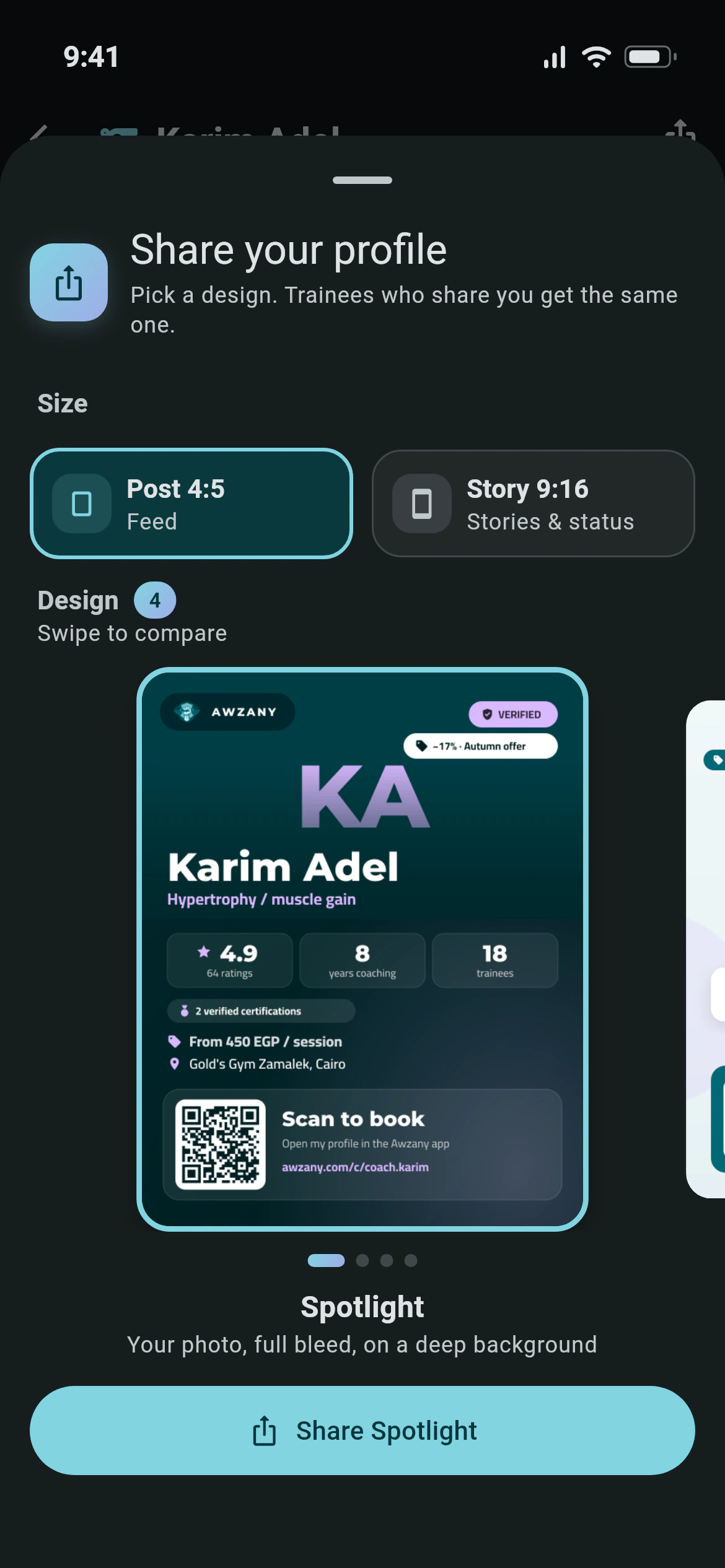
Four designs as a post or a story, with your badges, rating, experience and a QR code to your page.
Trainee management
Adherence rings, progress, sessions left, private notes, workouts and nutrition plans for each trainee.
Coach reports
Net income, coaching sessions, no-shows and purchases by day, week or month, and per trainee.
02Escrow, explained
How a booking becomes your money.
Trainees pay before you start, and you are paid as you deliver. Disputes go to the Awzany team, not into an awkward chat.
- 1
Trainee pays
The price leaves their wallet into escrow when they book.
- 2
You accept
You see the price, the Awzany fee and your net before you agree.
- 3
Session done
Mark it done after you train together.
- 4
48 hours
The trainee can report a problem; otherwise it completes.
- 5
You are paid
The session’s share lands in your wallet, ready to withdraw.
03Get started
Live in four moves.
- 1
Create a coach account
Download Awzany and create your account with the coach role.
- 2
Build your page
Add your story, specialties, places, weekly hours, gallery and offers. A checklist shows what is left.
- 3
Get verified
Scan your National ID and upload certificates. A moderator reviews them.
- 4
Publish and get booked
Go live, share your card, answer requests and start coaching.
01How do I become a coach on Awzany?
Create an account as a coach, build your coach page (headline, bio, specialties, locations, weekly hours, gallery and prices) and publish it. Trainees can then find you in Find a coach and book your offers. Read more on our Become a coach page.
02What do the verified badges mean?
Verified coach means an Awzany moderator checked your National ID. Your ID images stay private and the number is stored encrypted. Verified certifications means a moderator approved the certificates you uploaded; only approved certificates are shown to others.
03How do bookings work?
A trainee books one of your offers or asks for a custom offer and pays into escrow at once. You can accept, decline or counter with a new price, number of coaching sessions, validity or times, for up to six rounds. Requests nobody answers expire after 48 hours and are refunded in full.
04When do I get paid?
After you mark a coaching session done, the trainee has 48 hours to report a problem. If they do not, the coaching session completes and its share moves from escrow to your wallet, minus the Awzany fee. You can withdraw your balance to InstaPay or a bank account.
05What does Awzany charge coaches?
Awzany takes a platform fee as a percentage of each booking. Before you accept a booking you see the price, the Awzany fee and your net per coaching session. Payouts may carry a transfer fee, which is shown before you confirm.
06Can I set my own prices and promotions?
Yes. Create single sessions, packages and monthly offers with your own price, coaching session length, validity and place. Add promotions with a percentage or fixed discount, dates, an optional code, a maximum number of uses or new trainees only.
07What is the cancellation policy?
You choose a free cancellation window of 6, 12, 24 or 48 hours before a coaching session (24 by default). Cancelling earlier is free; a later cancellation counts as a late cancel and is paid to the coach. Cancelling an active booking refunds the coaching sessions that were not used.
08What tools do I get for my trainees?
A coach dashboard for the day, a trainee list with adherence rings, and a file per trainee with workouts, goals, coaching sessions, payments and private notes. Write workouts and nutrition plans, reuse plan templates, and follow your balance and payouts in your reports.